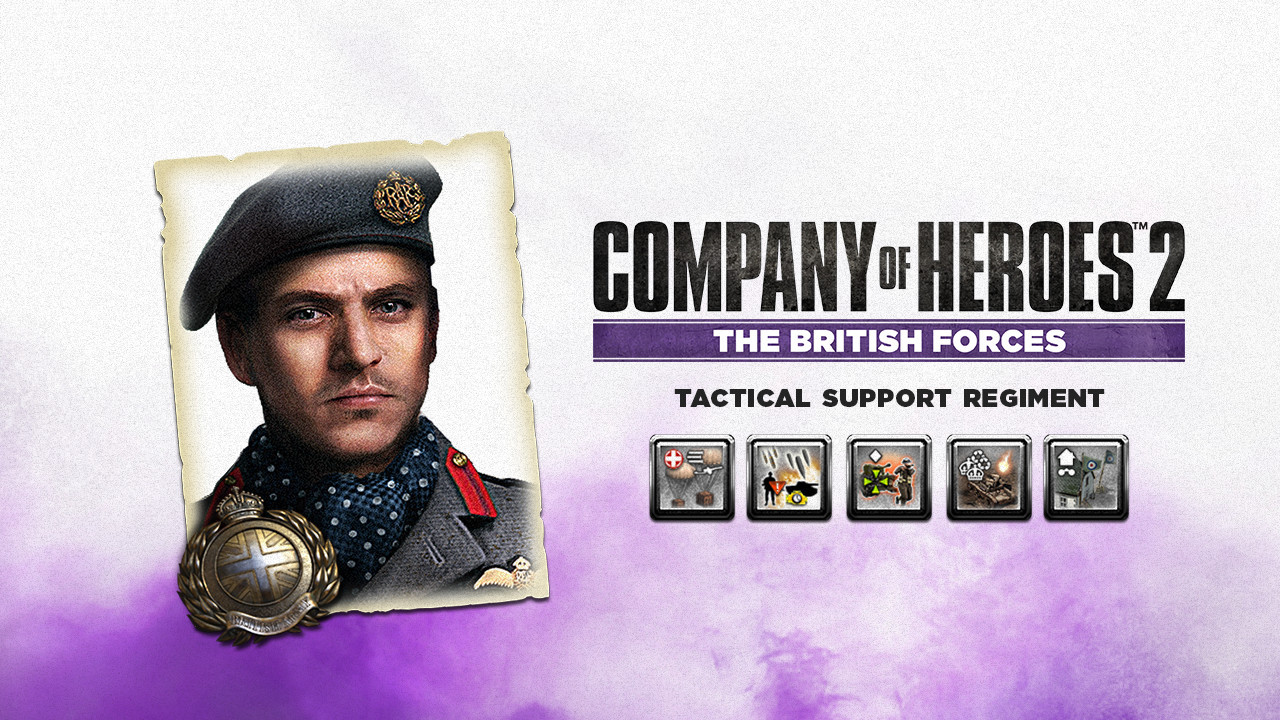
Company of Heroes 2 - British Commander: Tactical Support Regiment DLC Steam CD Key
- Steam
- DLC
- Rest Of The World (Row) - Custom
- In stock
About
British Commander: Tactical Support Regiment; Tactical Support Regiments help out behind the lines, improving existing units and providing fire support to allies. Designate a Command Vehicle to improve nearby forces or use air support to provide equipment to frontline troops. Artillery can cover advancing troops while recovery teams gather resources from vehicle wrecks. A Forward Observation Post can be used to provide rapid response to nearby threats. Designate Command VehicleDesignate a target vehicle as a Command Vehicle. The Command Vehicle will improve nearby units and increase the recharge rates of commander abilities. Field Recovery OperationDispatch 2 Royal Engineer Recovery squads who can salvage vehicle wrecks for resources. When dispatched, flares will be fired over vehicle wrecks that are in the target area. Air Resupply OperationAir support will automatically drop medical and weapon supply crates on the targeted friendly territories. Infantry units will move and reinforce faster in friendly territory. Artillery CoverArtillery will automatically attack units in the area. Vehicles will be hit with disabling howitzer fire, while infantry will be suppressed with light artillery fire. Damaged vehicles will be covered by a volley of smoke shells. Forward Observation PostDesignate an occupied ambient building as a Forward Observation Post. This building can direct air and artillery support with unique abilities.
How to activate
Go to: http://store.steampowered.com/ and download STEAM client Click "Install Steam" (from the upper right corner) Install and start application, login with your Account name and Password (create one if you don't have). Please follow these instructions to activate a new retail purchase on Steam: Launch Steam and log into your Steam account. Click the Games Menu. Choose Activate a Product on Steam... Follow the onscreen instructions to complete the process. After successful code verification go to the "LIBRARY" tab and start downloading.
Details
- Type
- DLC
- Platform
- Steam
- Region
- Rest Of The World (Row) - Custom
- Delivery
- Code, after payment
- Payment
- Byrvox balance
More like this
Company of Heroes 2 - German Skin: Four Color Disruptive Pattern Bundle Steam CD Key€0.99
Steam· Region free
Company of Heroes 2 - Whale and Dolphin Pattern Pack Steam CD Key€0.99
Steam· Rest Of The World (Row) - Custom
−25%
Company of Heroes 2 - The British Forces EU Steam CD Key€2.99
Steam
−25%
Company of Heroes Steam Account€2.99
Steam· Region free