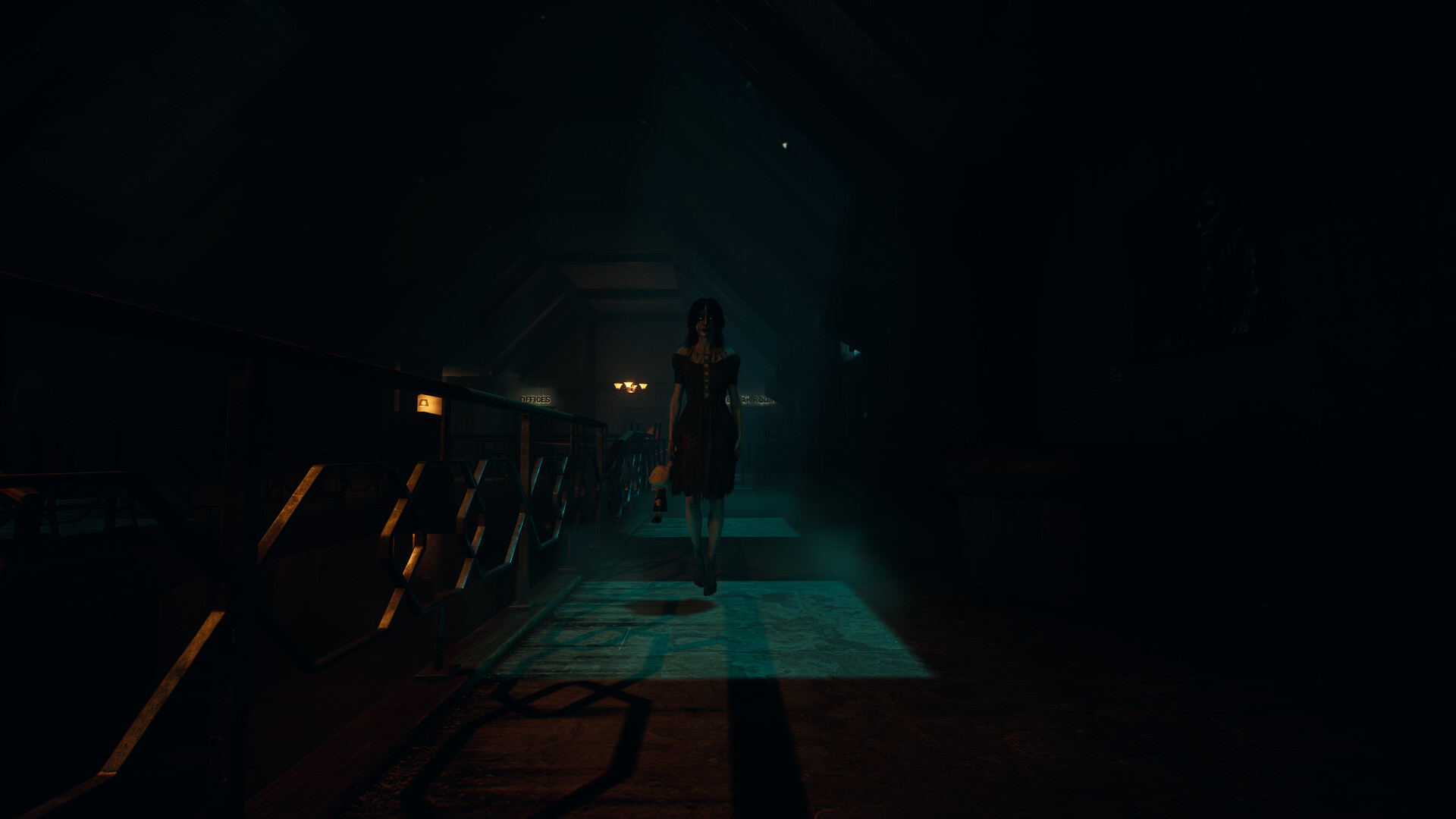
Damned 2 PC Steam CD Key
- Steam
- Game
- Region free
- In stock
About
Damned 2 is an asymmetrical multiplayer horror game where four survivors must explore cursed locations, solve puzzles, and escape alive — while a fifth player takes on the role of a deadly creature hunting them down. Each match is unpredictable and filled with tension. To escape, survivors must search for items, unlock doors, and complete puzzles scattered across the map. Every match reshuffles key elements, requiring players to adapt quickly. Teamwork, awareness, and a steady hand are essential. Take control of a terrifying creature with unique abilities. Each monster offers a different playstyle — some stalk in silence, others create chaos and confusion. Master their skills and turn every match into a psychological horror experience. Immersive Audio Visual experience: Damned 2 uses Unreal Engine 5 to bring graphics and audio immersion to a new level of horror. Immersive VOIP: Our built in VOIP system simulates echos, reverberation and the environment around you. But be aware, monsters can hear you when they are hunting! Be the Monster!: Choose from a variety of different monsters to play and scare your friends, each monster has a set of abilities for you to hunt and eliminate the trespassers. The monster can also be controlled by an AI. Co-operate: Play together with your friends with up to 5 players where teamwork is key for fast puzzle solving and exploration. Randomized Environments & Puzzles: Each play through is never the same. Keys, items and puzzles are placed in different locations whenever you start a new match. Custom Difficulty: Choose your game settings before starting a new match, customize the way you want to play.
How to activate
Go to: http://store.steampowered.com/ and download STEAM client Click "Install Steam" (from the upper right corner) Install and start application, login with your Account name and Password (create one if you don't have). Please follow these instructions to activate a new retail purchase on Steam: Launch Steam and log into your Steam account. Click the Games Menu. Choose Activate a Product on Steam... Follow the onscreen instructions to complete the process. After successful code verification go to the "LIBRARY" tab and start downloading.
Details
- Type
- Game
- Platform
- Steam
- Region
- Region free
- Delivery
- Code, after payment
- Payment
- Byrvox balance
More like this