NEW MONOPOLY XBOX One / Xbox Series X|S Account
- Xbox One
- Game
- Region free
- In stock
About
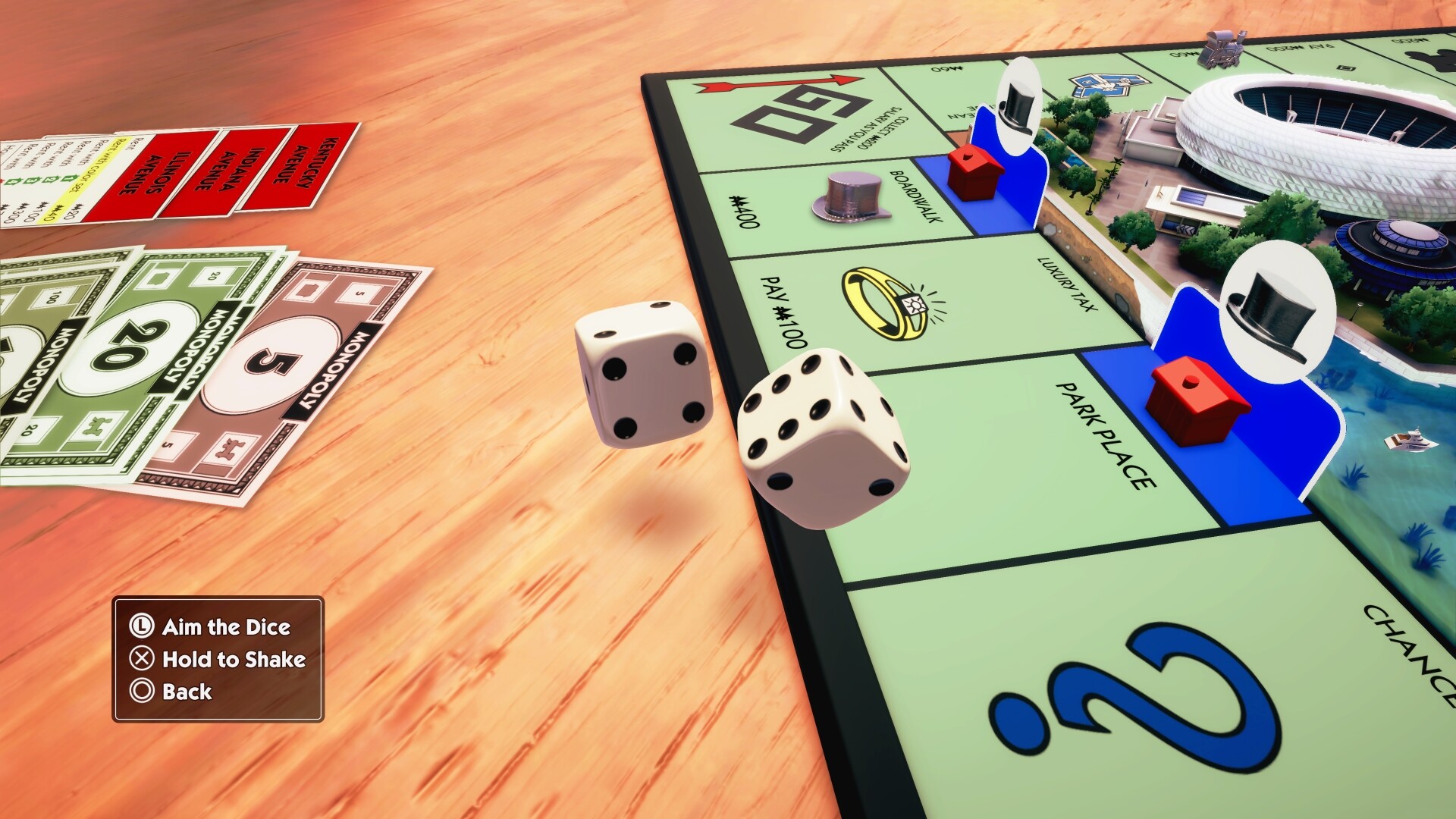
New MONOPOLY (formerly MONOPOLY 2024) is the same game, offered under a new name. If you have any questions or need assistance, please contact Ubisoft Customer Support at MONOPOLY is back with a fresh look and an improved game experience. Buy, sell, trade properties, and grow your empire in this faithful adaptation of the game we all grew up with! Roll the dice, start the game, and dive in to explore an exciting, fully animated 3D city. A BOARD THAT COMES TO LIFE With next-gen graphics quality and a detailed 3D city, MONOPOLY brings the classic franchise to a new level. Move around the board to explore the city and its different neighborhoods, or spy on your opponents before your next move. With a day/night and weather cycle, admire the city as it transforms from sunny mornings to stormy nights. A TABLETOP FEEL Feel the essence of tabletop gaming in every move as you buy, sell, trade, and scheme your way to riches. You can now manipulate your token, moving it around and making jumps. Want revenge for your bankruptcy? Knock out the guilty one’s tokens! You end up in jail? Flip the whole board! A FAMILY GAME NIGHT STAPLE Play with up to six players in your living room or take the matches online* to compete against other property moguls from around the world. MONOPOLY also supports cross-play! Choose to play with one controller for all or just one per player! Customize your dice set and discover your favorite tokens in a new light. *Internet connection and Ubisoft Account required to access online multiplayer/features.
How to activate
Use the credentials you received (directly or via an external website) and log into the account. Make sure that the content on the account is correct (correct edition of the game, no playtime etc.) Add the purchased account to your console and set it as Xbox home account: Purchased account has to be added as a new user, not as a guest30 Xbox Series X S How to Make Account Primary! Change the credentials to make the account your own: Change the email Change the password Add 2FANOTE: Applying any changes to the purchased account, such as adding a payment method or changing the region, may result in the account being banned. In such cases, no refund is applicable. Once the account is added to your console (as a Xbox home account), download the game and switch back to the account you would like to play from. This way your progress will be saved on the account you are using.* The account should be used as a way of accessing the game/content you are interested in. It is not recommended to use it as your main account, as you might have issues with making purchases on it. *Note: Some content available in the Special Editions like in-game currency, skins, bonuses etc. may not be accessible from your main account.
Details
- Type
- Game
- Platform
- Xbox One
- Region
- Region free
- Delivery
- Code, after payment
- Payment
- Byrvox balance