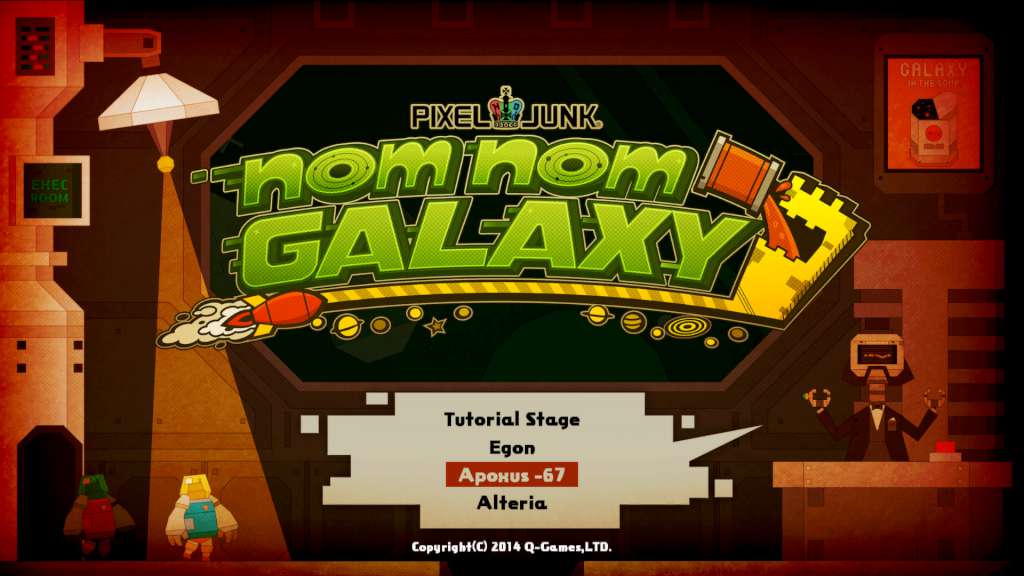
Nom Nom Galaxy Steam Gift
- Steam
- Game
- Region free
- In stock
About
Nom Nom Galaxy Steam Gift Platform: Steam Release Date: 13 Mar 2014 Product Description This Early Access game is not complete and may or may not change further. Welcome to Soup Co., Astroworker! As an integral part of the Soup Co. family, your mission is to explore the remote planets in search of tasty ingredients to make the galaxies most delicious soups and then rocket them into the gullets of our hungry customers. But this isn't your typical soup kitchen - Astroworkers must battle against the planet's elements, alien plants and animals, and dastardly rival soup corporations! Build your base of operations with the help of your fellow Astroworkers and handy Soup Co. robots, make the galaxies most mouth-watering soups, then defend yourself from local wildlife and our rivals. #nomnomGALAXY is a sandbox-styled mix of platforming, base building, tower defense, and good old fashioned monster-stomping! You'll create huge factory-bases where you'll experiment with tons of ingredients, make hundreds of types of soups to feed the galaxy, and rise in the ranks of the Soup Co.! Each planet will have its own challenges, from poisons gas to killer tomatoes. Only the most adept of Soup Meisters will succeed! Features Hundreds of different types of soups to discover Extensive soup recipe system that uses ingredients all of the planet's plants and animals Tower Defense gameplay from the makers of one of the most acclaimed Tower Defense games on any platform, PixelJunk Monsters Living planets that evolve as your base expands Robust research trees that allow you to personalize your base Tons of robot helpers to automate factories, defend your base, and collect ingredients Battle rival soup corporations throughout the galaxy for soup supremacy! Local split-screen co-op play PVP gameplay Weekly Updates during Early Access Alpha! System Requirements OS: Windows 7 Processor: Intel Core i5 or higher Memory: 2 GB RAM Graphics: Dedicated video card DirectX: Version 10 Hard Drive: 500 MB available space Additional Notes: Early Access, specs not final
How to activate
"Please remember that we are NOT responsible for any problems that may arise from purchasing and using Steam Gifts. You are doing it at your own risk. "Please note, that due to recent Valve Steam Gift policy update Steam Gifts for games that are covered by VAC ban program can no longer be added to Inventory. Make sure that you are logged in to the proper account before entering the link as Steam Gifts can be only added to your library or rejected. How do I use a Steam gift given to me? If you do not already have Steam, download and install Steam here. Once you have Steam installed, you will be prompted to create an account or login to an existing Steam account. If you do not have an account, please create one. You will receive an e-mail containing a link that will open Steam allowing you to redeem your gift. After clicking the link, you will receive a notification at the top right corner in the Steam client informing that you have a new gift.
Details
- Type
- Game
- Platform
- Steam
- Region
- Region free
- Delivery
- Code, after payment
- Payment
- Byrvox balance