OMSI 2 - Add-on Metropole Ruhr DLC PC Steam CD Key
- Steam
- DLC
- Region free
- In stock
About
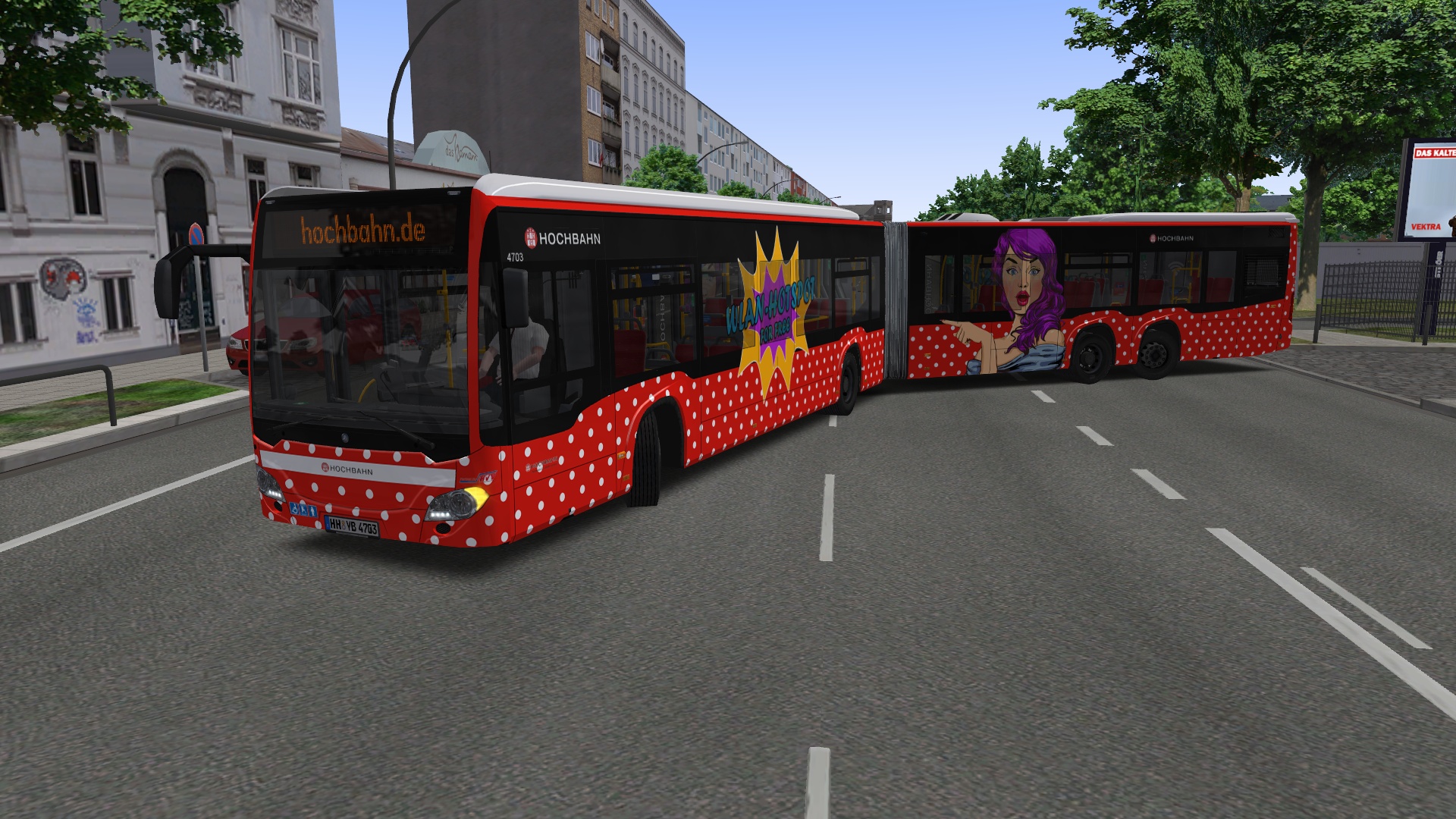
„Metropole Ruhr“ is the most comprehensive OMSI add-on to date – featuring a map more than twice as large as the Project Gladbeck map. You can experience Germany’s largest metropolitan area on more than 800 km of drivable route, more than 50 bus lines in 15 Ruhr cities and along 2, 000 custom buildings and objects as well as on a fully drivable motorway. Original VRR schedule data for many lines add the final touch of realism.Night express lines and express bus lines take you through many new districts, with countless details conveying real Ruhr feeling and bringing the routes to life. Cities like Duisburg, Bochum and Oberhausen are partially included, while completely modelled cities like Gladbeck and Bottrop round off your Ruhr experience.This add-on exclusively includes an officially licensed, latest generation city bus in both a solo and articulated variant for your rides. Add to that the numerous new paintings, interurban routes and special lines, e.g. school buses, – and you have long-term variety guaranteed! Highlights of this version: More than 50 bus lines 15 cities in the Ruhr region More than 800 bus stop More than 800 km of drivable route Exclusive latest generation Urbino bus, both solo and articulated version Features 15 cities More than 800 serviceable bus stops More than 2, 000 custom objects and buildings More than 800 km of navigable route Navigable motorway network Express bus and night bus lines Real timetable data on many lines by the VRR Lots of new details along the routes Lots of new liveries of the busses and transport services Lots of new special lines, e.g. school buses, replacement bus services, shuttle busses Lots of new districts with many new lines and connections New intercity lines and city bus lines The largest add-on for OMSI 2 to date
How to activate
Go to: http://store.steampowered.com/ and download STEAM client Click "Install Steam" (from the upper right corner) Install and start application, login with your Account name and Password (create one if you don't have). Please follow these instructions to activate a new retail purchase on Steam: Launch Steam and log into your Steam account. Click the Games Menu. Choose Activate a Product on Steam... Follow the onscreen instructions to complete the process. After successful code verification go to the "LIBRARY" tab and start downloading.
Details
- Type
- DLC
- Platform
- Steam
- Region
- Region free
- Delivery
- Code, after payment
- Payment
- Byrvox balance
More like this
−20%
OMSI 2 Add-on Downloadpack Vol. 5 – KI-Menschen DLC Steam CD Key€7.99
Steam· Region free
−18%
OMSI 2 - Add-on OmniNavigation DLC Steam CD Key€8.99
Steam· Region free
−18%
OMSI 2 Add-On Citybus M301 DLC Steam CD Key€8.99
Steam· Region free
−18%
OMSI 2 Add-on Velbert Steam CD Key€8.99
Steam· Region free