Spells & Secrets PC Steam Account
 Steam
Steam- Game
- Region free
- In stock
About
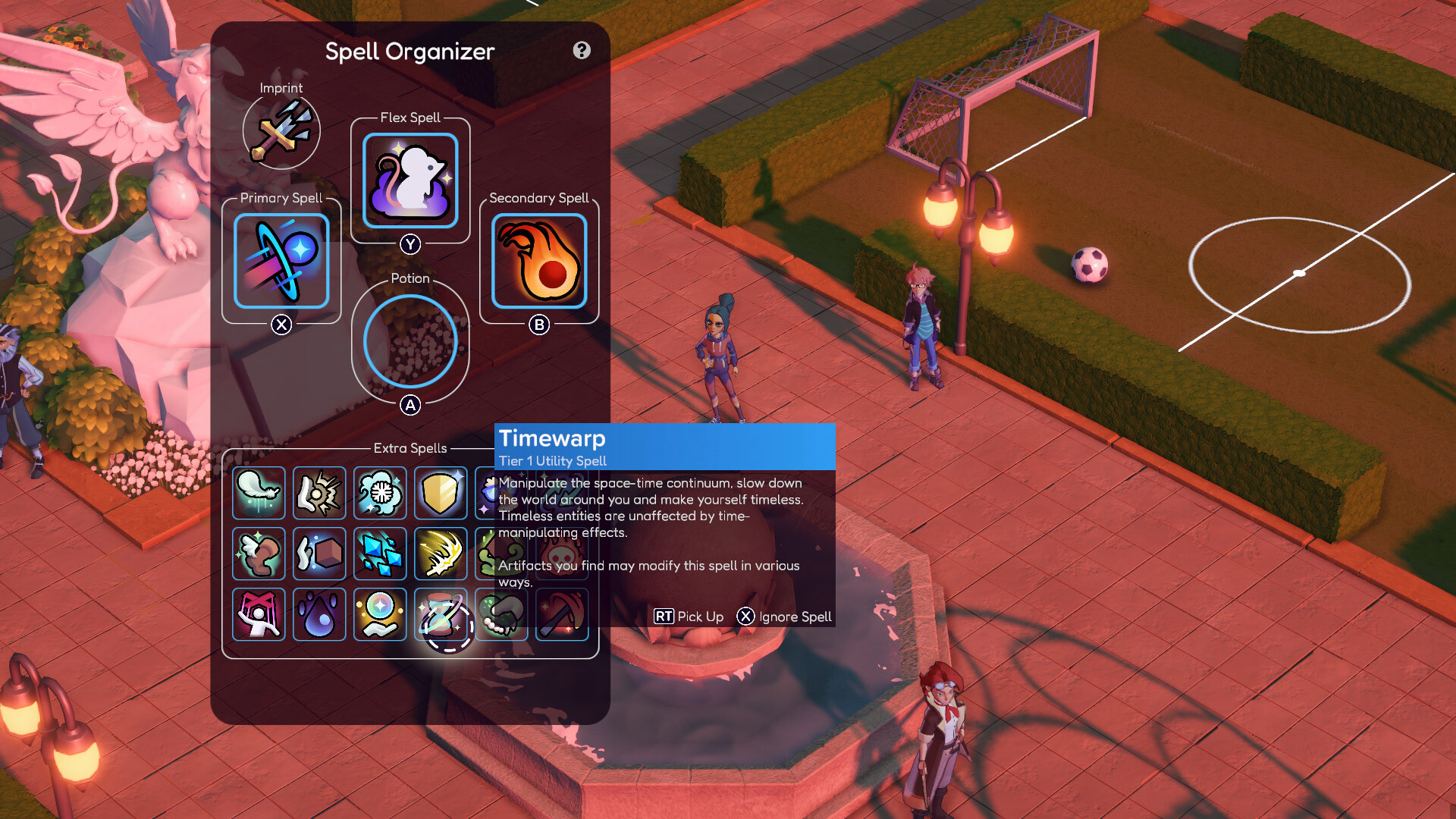
Spells & Secrets is a deep and motivating rogue-lite experience that invites everyone to this rewarding genre with its adventure story. Free the wizard Academy of Greifenstein from magical creatures by using your spells in creative ways. Play in local co-op with your friends or family, customize your own character, solve mysteries and find powerful artifacts in this modern magical world. Features Use spells in creative waysUse the numerous spells in creative ways to fight off magical creatures or to solve puzzles. Play in local co-opIf you're tired of venturing alone, ask a friend to join you and discover the world of "Spells & Secrets" in local co-op or online via Steam-Remote! Wizard Character EditorDive deep into character customization and unlock more possibilities with a variety of options: Select a unique body type that represents you best. Dress in your preferred clothes, offering freedom beyond gender boundaries. Craft your face from a vast selection: pick your eye color, shape of eyebrows and more, all designed to be gender-neutral. Your nose and eye shapes adapt based on your facial selections. Play with hair colors: mix and match up to two shades for a distinctive look. Find the perfect skin tone from our diverse range. Accessorize with an array of items to enhance your style. Adjust height to suit your vision of the character. Apply makeup that complements your chosen features. Use your spells creatively against magical creatures or to solve puzzles. Create your character from extensive options and unlock more possibilities. Save and help your classmates. Explore the ever-changing school castle Greifenstein. Find many clues about the world & its inhabitants. Improve your character permanently. Find powerful artifacts and use useful potions. Play in 2-player local co-op mode or online via Steam Remote Play. Experience optimized controller and mouse & keyboard controls.
How to activate
Use the credentials you received (directly or via an external website) and log into the account. Make sure that the content on the account is correct (correct edition of the game, no playtime etc) Change the credentials to make the account your own: Change the email Change the password Add 2FA (Steam Guard) Please note that it may not be possible to add the purchased account to an existing Steam Family and to enable Family Sharing. The account should be used as a way of accessing the game/content you are interested in. It is not recommended to use it as your main account, as you might have issues with making purchases on it. Applying any changes to the purchased account, such as adding a payment method or changing the region, may result in the account being banned. In such cases, no refund is applicable.
Details
- Type
- Game
- Platform
- Steam
- Region
- Region free
- Delivery
- Code, after payment
- Payment
- Byrvox balance