The Rabbit Haul PC Steam CD Key
- Steam
- Game
- Region free
- In stock
About
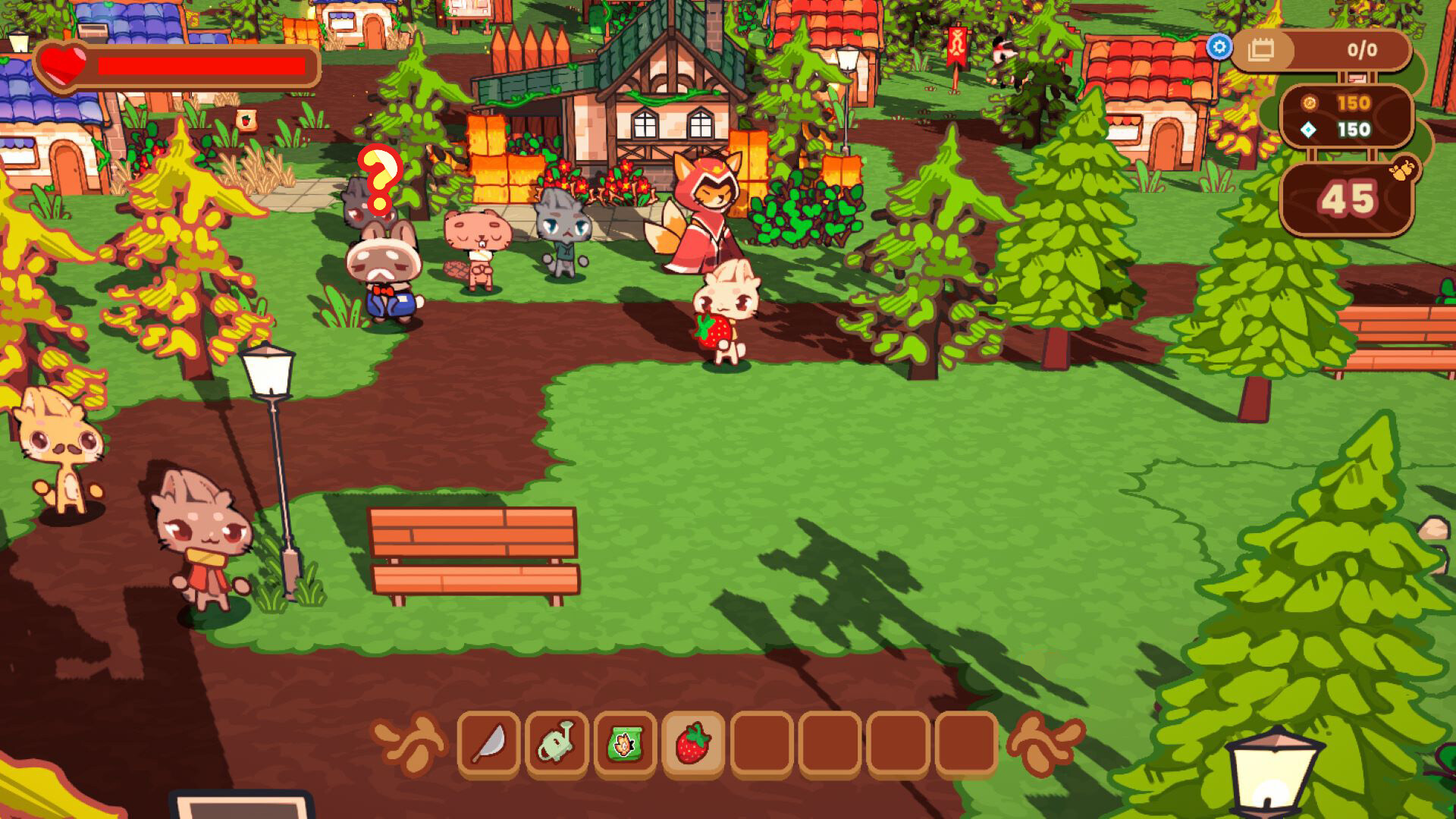
The Rabbit Haul has you playing a cute rabbit trying to rebuild their hometown that’s been ravaged by greedy raccoons. During the day, you are growing crops in your farm and adding them to your food haul to help rebuild your town’s economy and food reserves, as well as planting and growing defensive tower plants that will help defend against the Trash Panda Posse. When you choose, you turn to the night phase to ward off increasingly difficult enemy waves attempting to bring you back to ruin. The cycle continues until you defeat all the waves in the run, and you are rewarded for your progress to rebuild the town and upgrade yourself for the next adventure. Grow a Plentiful HarvestDuring the day phase, you can spend as much time as you’d like growing your garden. Plant crops and towers, water your farm, upgrade your defenses, and add harvested crops to your haul. Be strategic in your placement - you will be awarded for synergies created between plants - making the best garden possible. Defend Your HaulWhen you choose to go to the night phase, you will defend your haul alongside your flower towers against an increasingly stronger Trash Panda Posse. Each wave gets stronger, with different enemy types attempting to spoil your riches, so you must upgrade your weapons and defenses to ensure you can survive the night and make it to the next day. Explore and DiscoverExplore a sprawling, randomly generated world full of treasures and quests, able to provide you with unique items and helpers to rebuild your town and reinforce your farm even further. Upgrade and UnlockYou can upgrade your playstyle, unlock new merchants, and prepare yourself for your next adventure between runs. With an array of unique weapons, upgrade paths, powerful towers and crops to unlock, The Rabbit Haul offers countless playstyles for players to master. Rebuild your HomeBring your town back to life, one haul at a time. Use your hard-earned harvests to restore shops and homes in Town, unlocking new characters, quests, and upgrades along the way.
How to activate
Go to: http://store.steampowered.com/ and download STEAM client Click "Install Steam" (from the upper right corner) Install and start application, login with your Account name and Password (create one if you don't have). Please follow these instructions to activate a new retail purchase on Steam: Launch Steam and log into your Steam account. Click the Games Menu. Choose Activate a Product on Steam... Follow the onscreen instructions to complete the process. After successful code verification go to the "LIBRARY" tab and start downloading.
Details
- Type
- Game
- Platform
- Steam
- Region
- Region free
- Delivery
- Code, after payment
- Payment
- Byrvox balance