Train Simulator - BR Class 73 'Gatwick Express' Loco Add-On DLC Steam CD Key
- Steam
- DLC
- Region free
- In stock
About
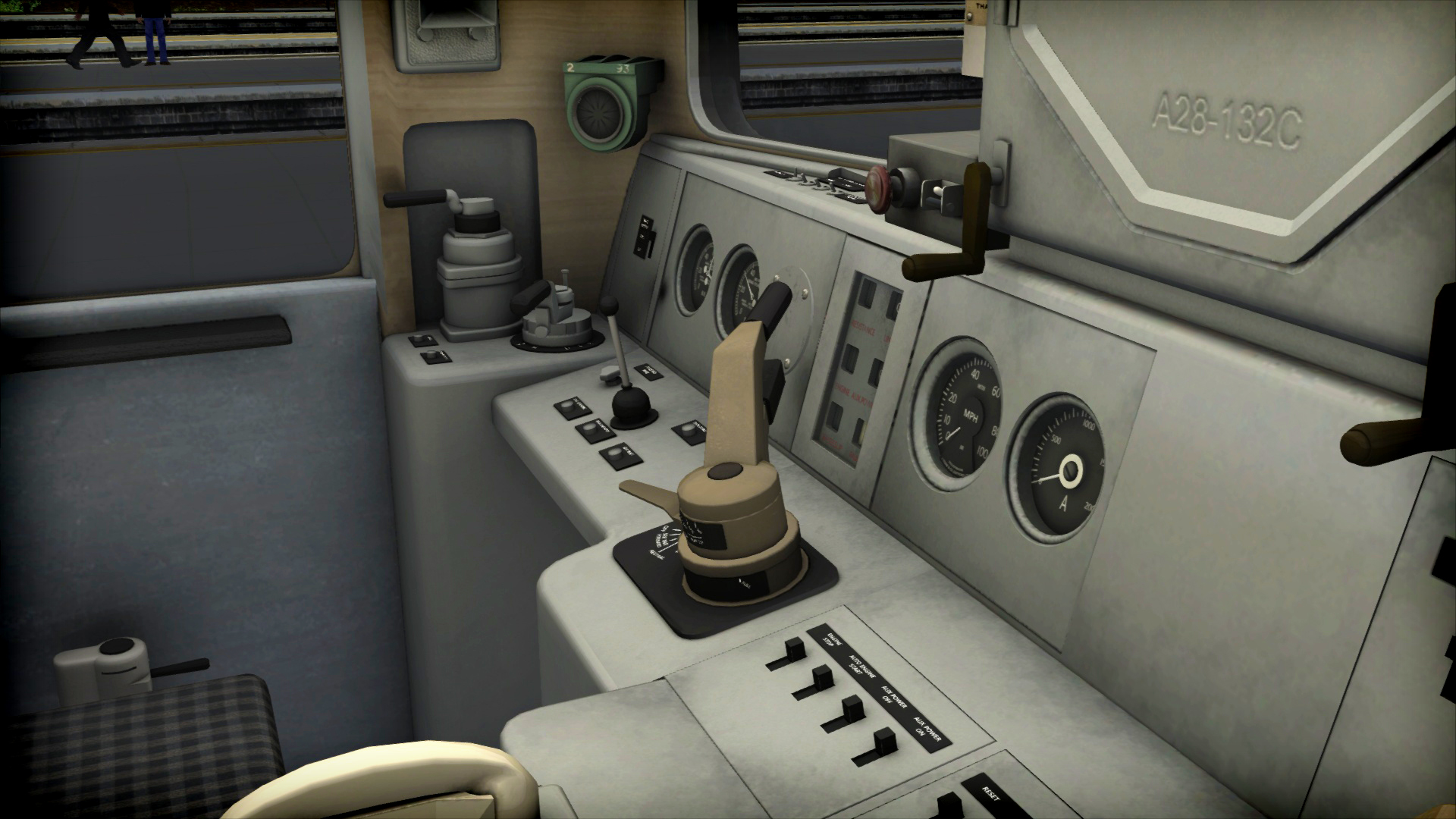
Includes: Train Simulator: BR Class 73 'Gatwick Express' Loco Add-On (DLC) The BR Class 73 for Train Simulator is available in InterCity ‘Gatwick Express’ livery and includes Class 488/2 Mk2e TFO, Mk2e TFOH, Class 488/3 Mk2e TSO and Mk2e TSOH passenger coaches in InterCity ‘Gatwick Express’ livery, plus Class 489 GLV driveable cab car in InterCity ‘Gatwick Express’ livery, as operating on the London-Brighton route in the early 2000s. The Class 73 features a dual power-control unit to allow the locomotive to run under diesel and third rail power, Driver Safety Device (DSD), Driver Reminder Appliance (DRA), Electro-Pneumatic brake, plus accurate and authentic sounds recorded from 73210, access kindly provided by the Mid-Norfolk Railway.The locomotive is also Quick Drive compatible, giving you the freedom to drive the BR Class 73 on any Quick Drive enabled route for Train Simulator, such as those available through Steam. Also included are scenarios specifically for the London-Brighton route (available separately and required to play these scenarios). Scenarios Three scenarios for the London-Brighton route: A Crowded Space (Class 489) Outbound Express (Class 73) Return Diversion (Class 489) More scenarios are available on Steam Workshop online and in-game. Train Simulator’s Steam Workshop scenarios are free and easy to download, adding many more hours of exciting gameplay. With scenarios being added daily, why don’t you check it out now! Key Features BR Class 73 in InterCity ‘Gatwick Express’ livery Dual power control for diesel and third rail running Driver Safety Device (DSD) Driver Reminder Appliance (DRA) Electro-pneumatic brake BR Class 488/2 Mk2e TFO passenger coach BR Mk2e TFOH passenger coach BR Class 488/3 Mk2e TSO passenger coach BR Class 489 GLV with driveable cab Quick Drive compatible Scenarios for the London-Brighton route Download size: 234mb
How to activate
Go to: http://store.steampowered.com/ and download STEAM client Click "Install Steam" (from the upper right corner) Install and start application, login with your Account name and Password (create one if you don't have). Please follow these instructions to activate a new retail purchase on Steam: Launch Steam and log into your Steam account. Click the Games Menu. Choose Activate a Product on Steam... Follow the onscreen instructions to complete the process. After successful code verification go to the "MY GAMES" tab and start downloading.
Details
- Type
- DLC
- Platform
- Steam
- Region
- Region free
- Delivery
- Code, after payment
- Payment
- Byrvox balance
More like this