Wanderlust Adventures Steam Gift
- Steam
- Game
- Region free
- In stock
About
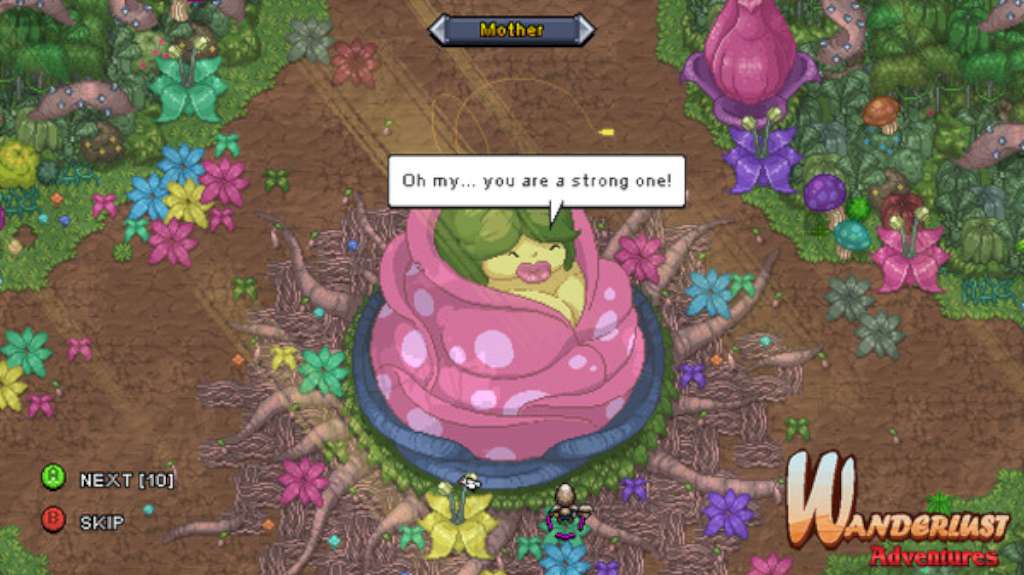
Wanderlust Adventures Steam Gift Platform: Steam Release Date: 10/08/2015 Product Description Wanderlust Adventures is an online, free-roaming, action adventure RPG. Aspiring adventurers are summoned to prevent the return of an ominous force, and restore unity to the world of Valandria. Join fellow heroes online, explore vast and deadly landscapes, and capture companions to aid you in your quest. Forge powerful items, salvage artifacts, and crush the souls of menacing foes, as you journey into the darkness to become a hero of legend. Wanderlust Adventures is a standalone experience, taking place in the imaginative Wanderlust universe. Get ready for an online experience unlike any other. Features A 1-4 Player Online Co-op Free-Roam Action-Adventure game Balanced for Single Player with scaling difficulty as more players join in co-op A massive, procedurally-generated world to explore Dynamic Events help sculpt a new adventure each time you play 4 character classes, each with 14 or more skills to unlock and advance 65 enemies to battle (with 10 dungeon bosses and 8 random-encounter mini-bosses) Randomized loot is complemented by collectible crafting options for more powerful gear and jewelry Fishing, Mining and Slot-Machine mini-games A day/night cycle which impacts gameplay Epic Mode : A difficulty setting designed to challenge groups of high-level players Companions : Nearly every enemy can be collected, hired and leveled up! System Requirements OS: Windows XP/Vista/7/8 (32- or 64-bit) Processor: 2.0 Ghz Memory: 800 MB RAM Graphics: 128mb Video Memory DirectX: Version 8.0 Hard Drive: 300 MB available space Sound Card: DirectX-compatible sound card Additional Notes: 2-button mouse, keyboard and speakers.
How to activate
"Please remember that we are NOT responsible for any problems that may arise from purchasing and using Steam Gifts. You are doing it at your own risk. "Please note, that due to recent Valve https://support.steampowered.com/kb_article.php?ref=1327-WUJX-5722 Steam Gifts for games that are covered by VAC ban program can no longer be added to Inventory. Make sure that you are logged in to the proper account before entering the link as Steam Gifts can be only added to your library or rejected. How do I use a Steam gift given to me? If you do not already have Steam, download and install Steam http://store.steampowered.com/about/. Once you have Steam installed, you will be prompted to create an account or login to an existing Steam account. If you do not have an account, please create one. You will receive an e-mail containing a link that will open Steam allowing you to redeem your gift. After clicking the link, you will receive a notification at the top right corner in the Steam client informing that you have a new gift.
Details
- Type
- Game
- Platform
- Steam
- Region
- Region free
- Delivery
- Code, after payment
- Payment
- Byrvox balance